Turn an image into editable Figma layers.
Keep your artwork, text and layout in separate layers.
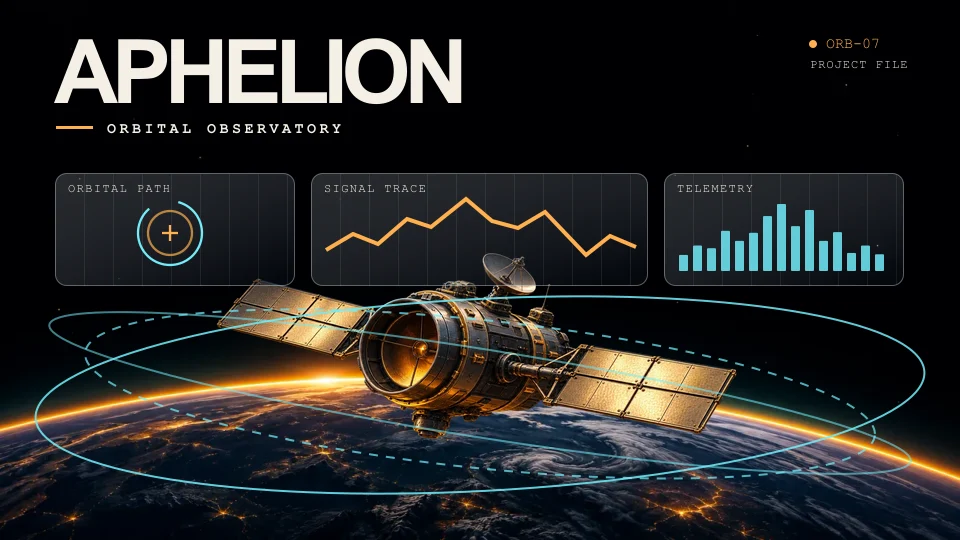
How to turn a screenshot into Figma layers
- Upload the screenshot or AI mockup to the canvas.
- Select the image and choose Extract full artboard. Review the reconstructed layers and edit text or redraw artwork as needed.
- Export the layers and open them in Figma using Cogslice Importer.